How to Improve Website Accessibility for Users
Learn how to improve website accessibility with practical changes to navigation, contrast, images, forms, and content structure.
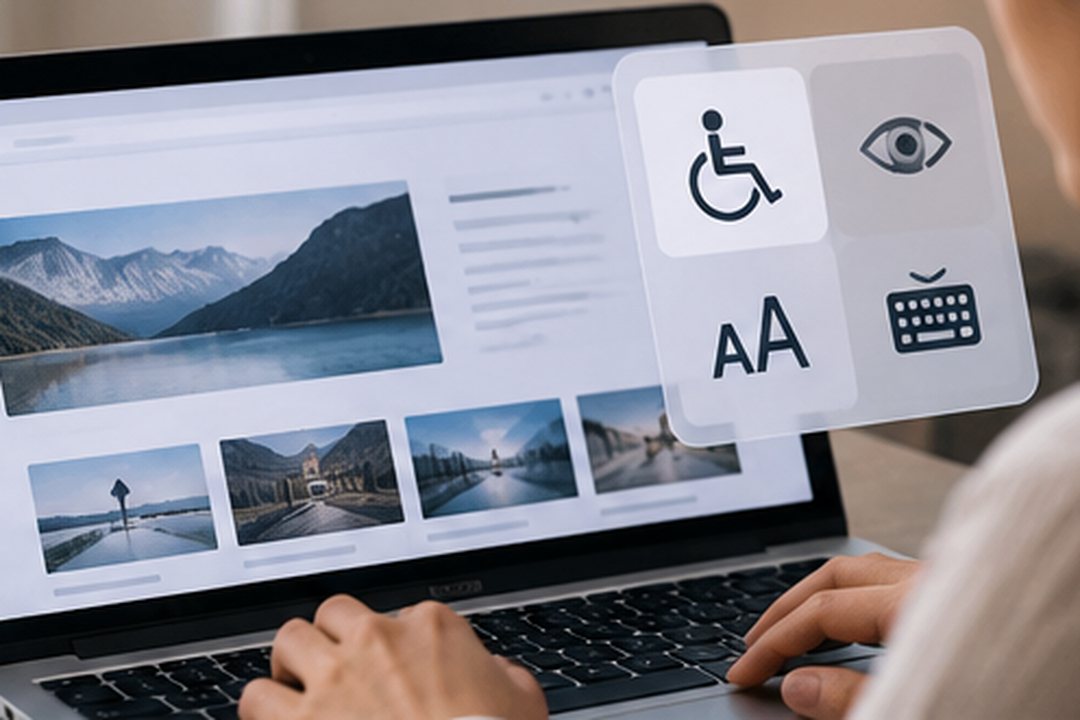
Learning how to improve website accessibility helps businesses create digital experiences that more people can navigate, understand, and use.
Website accessibility involves designing and developing content for users with different abilities, including people who rely on screen readers, keyboards, or other assistive technologies.
Accessibility also supports broader usability by making information clearer and interactions more predictable.
1. Use Clear Heading Structures
Headings help visitors understand how content is organised.
Use one descriptive main heading and arrange subsequent headings in a logical hierarchy.
Avoid selecting heading levels purely for visual appearance.
A clear structure also helps screen reader users navigate between sections.
2. Provide Meaningful Alternative Text
Alternative text describes relevant images for people who cannot see them.
For informative images, explain the content or function in a concise way.
Decorative images should generally use empty alternative text so assistive technologies can skip them.
Avoid keyword stuffing or repeating information already available nearby.
3. Improve Colour Contrast
Low-contrast text can be difficult to read, particularly for people with visual impairments.
Under WCAG 2.2 Level AA, normal text generally requires a contrast ratio of at least 4.5:1, while large text generally requires at least 3:1.
Check text, buttons, form labels, and other essential interface elements.
4. Make Your Website Keyboard-Friendly
Not every visitor uses a mouse.
Users should be able to navigate important interactive elements using a keyboard.
Test whether they can:
- Move through links and buttons using Tab.
- Identify the currently focused element.
- Operate menus and forms.
- Close interactive components where appropriate.
- Navigate without becoming trapped.
Visible keyboard focus indicators are essential.
5. Use Descriptive Link Text
Links should explain their destination or purpose.
Instead of repeatedly using “Click Here”, choose descriptions such as “View Our Services” or “Read the Accessibility Guide”.
Meaningful links are easier to understand when encountered outside their surrounding paragraph.
6. Make Forms Easier to Complete
Accessible forms need clear labels, instructions, and error messages.
| Form Element | Accessibility Improvement |
|---|---|
| Input fields | Provide visible, associated labels |
| Required fields | Clearly identify mandatory information |
| Error messages | Explain what needs correcting |
| Buttons | Use descriptive action labels |
| Validation | Avoid relying on colour alone |
Ensure forms can be completed using a keyboard.
7. Support Different Screen Sizes and Zoom Levels
Users may enlarge text or access websites through smaller screens.
Test whether content remains readable and functional when zoomed or resized.
Avoid layouts that unnecessarily require horizontal scrolling.
8. Review Multimedia Accessibility
Videos and audio content may require additional accessibility support.
Provide captions for prerecorded videos containing speech and consider transcripts where appropriate.
Avoid automatically playing distracting media without suitable controls.
How to Test Website Accessibility
Automated tools can identify certain technical issues, but they cannot detect every accessibility barrier.
Combine automated checks with manual keyboard testing and, where possible, testing involving users with disabilities.
Use the Web Content Accessibility Guidelines (WCAG) as a reference for evaluation.
FAQs About Website Accessibility
What is WCAG?
WCAG stands for Web Content Accessibility Guidelines, a set of internationally recognised recommendations for accessible digital content.
Does website accessibility help SEO?
Some accessibility practices, such as meaningful headings and descriptive image alternatives, can also support content understanding. However, accessibility and SEO have different objectives.
Can an existing website become more accessible?
Yes. Many improvements can be implemented incrementally without rebuilding the entire website.
Create Digital Experiences More People Can Use
Accessibility should be considered throughout design and development, not treated as an optional finishing touch.
Through UI/UX Design & Motion Experiences and Website & App Development, NewGen helps businesses build clearer, more intuitive digital interfaces.
Explore how accessibility improvements can become part of your website’s ongoing development.
Related Insights

 NewGen
Custom Software vs Off-the-Shelf Software: Key Differences
Custom software vs off-the-shelf software: compare costs, flexibility, scalability, and maintenance to find the right solution.
 NewGen
7 Business Tasks You Can Automate With AI
Discover 7 business tasks to automate with AI, from customer support and data entry to lead qualification and reporting.
 NewGen
Why Your Website Gets Traffic but No Conversions
Getting website traffic but no conversions? Discover 6 common reasons and practical ways to turn visitors into leads or customers.